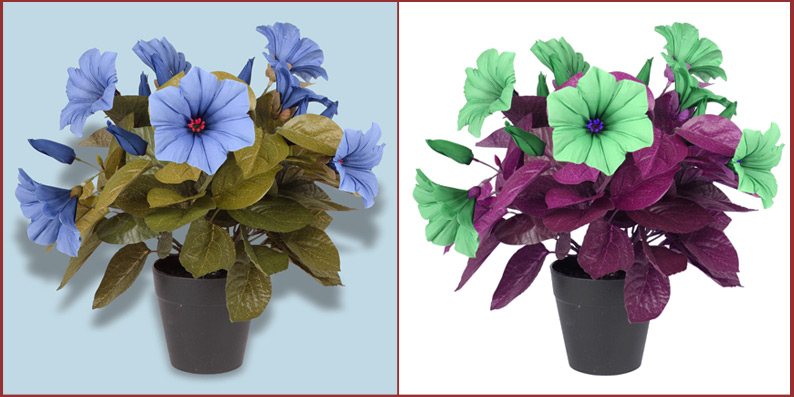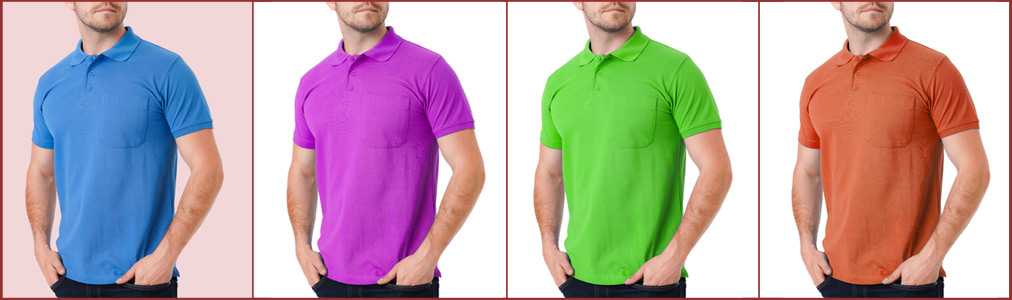
1. Firstly, Drawing Clipping Path Carefully Using Photoshop Pen Tool .
2. Separating The Product Item From The Original Image Background Layers .
3. Changing Deferent Color Using From Color Panel.
4. Measurement The Perfect Opacity Depend On Various Images.
5. There Can Be Saved Multiple Formats. Such As, PSD, JPG, PNG, TIFF, WEB, DNP, DSC, EPS, GIF And So On.
6. Lastly, Grouped All Layers & Made Position Sized .
So, submit a form to get a quote as soon as possible. Contact Us…